How to listen to music without Wi-Fi on iPhone
By Mohd Mahmodi, who makes the app. Updated November 5, 2026.
There are two ways to play music with no connection on an iPhone. You can download songs inside a streaming app, or you can keep your own audio files on the phone.
Downloads in a streaming app
Apple Music and Spotify Premium both let you download songs for offline listening. Those downloads need an active subscription, and they only play inside that app.
Your own files
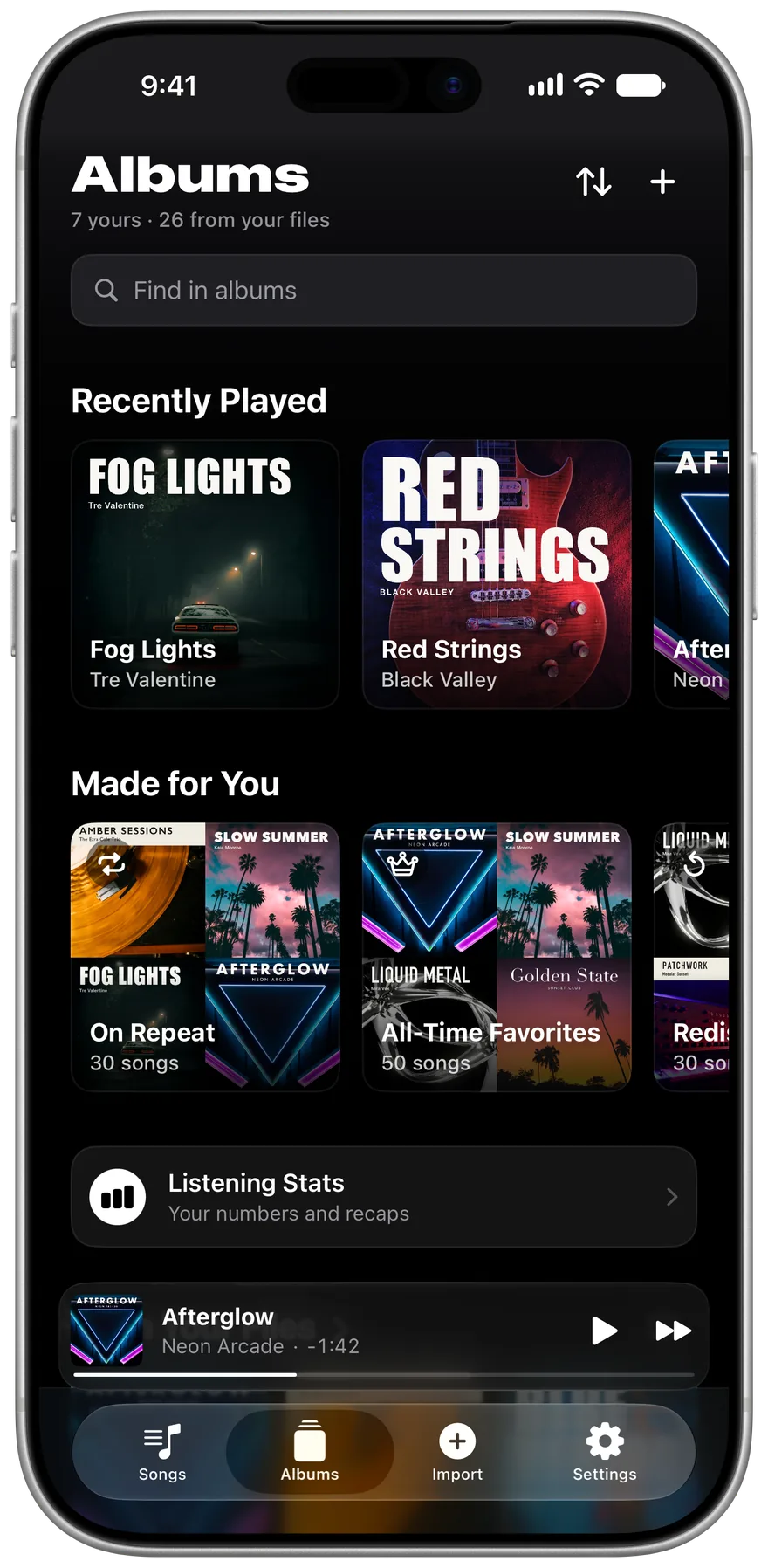
If you own MP3 or FLAC files, from CD rips, Bandcamp purchases or your own recordings, a local player needs no subscription and no connection. Once a song is imported, airplane mode changes nothing.
- Install Offline Music Player while you're online.
- Import your songs.
- Play them anywhere. Lock Screen controls, widgets and CarPlay all work offline.
What this won't do
The app doesn't stream or sell music, and it can't play songs downloaded inside Apple Music or Spotify, because those files are protected. You need audio files you can see in the Files app.
Related guides
Get Offline Music Player
It's free, and it has no ads.